
Bean Counter: Coffee Ratio
Brew Ratio Calculator & Timer for iPhone

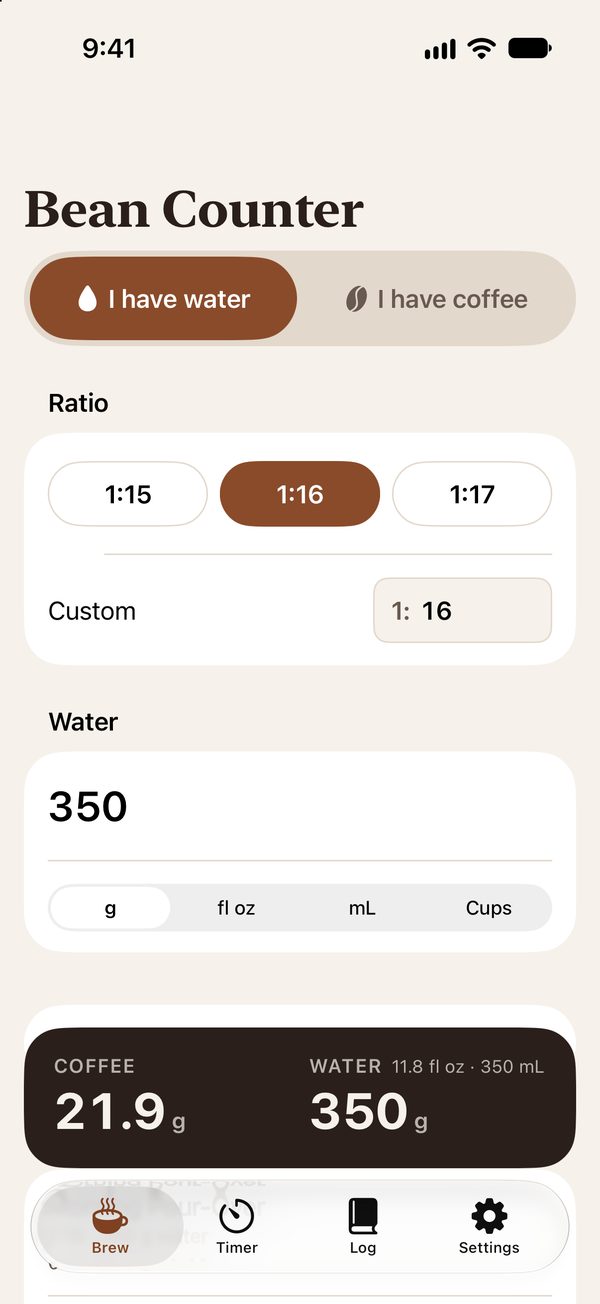
Type one number, get the other
How much coffee for your water, or water for your coffee, at 1:15, 1:16, 1:17 or any ratio you like, in grams, fluid ounces or milliliters. Brew by the cup, save and edit your recipes, and see how many brews are left in the bag.
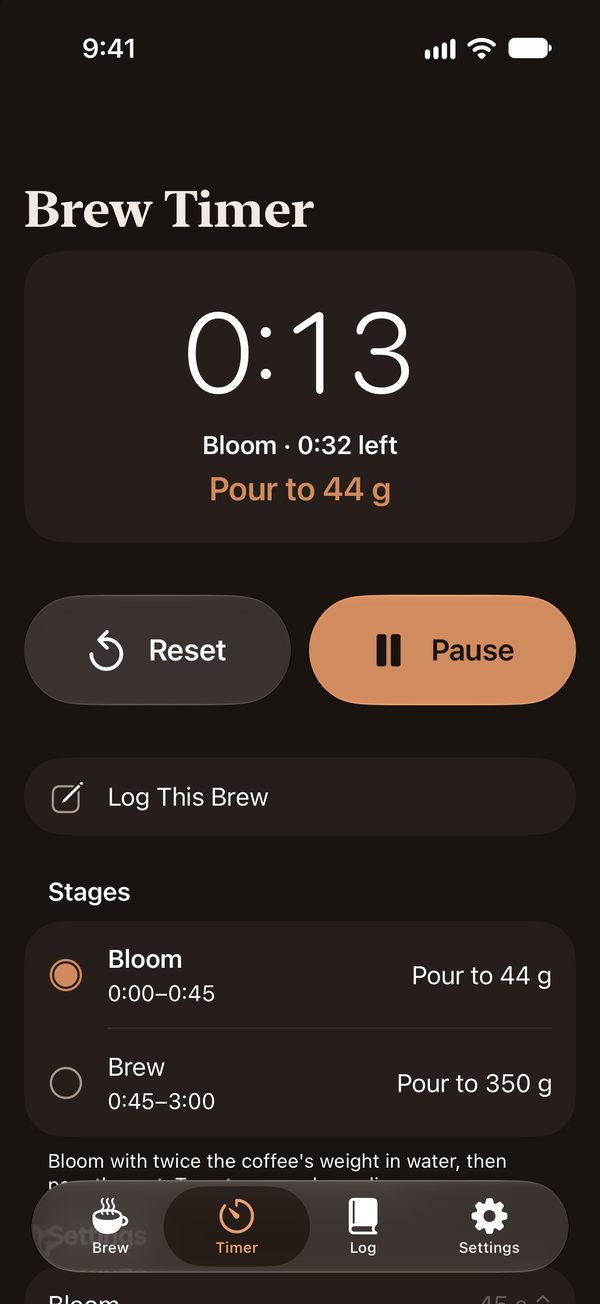
Time every pour
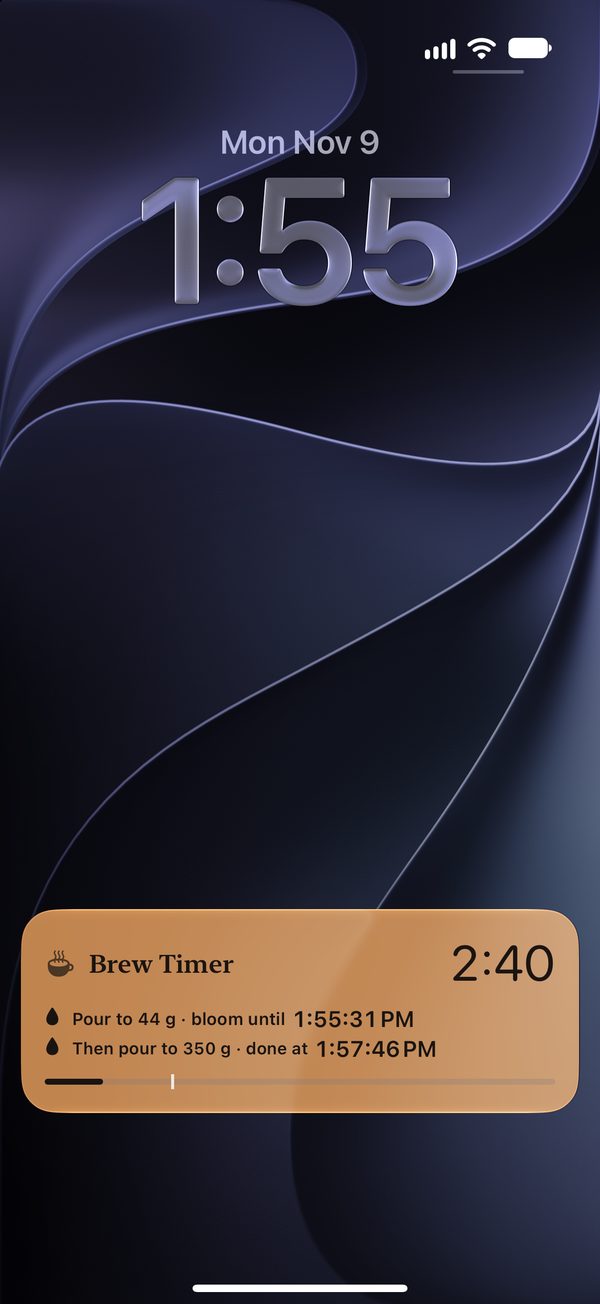
A brew timer with a bloom and pour targets, so you know how much water should be in by when. It taps and chimes at each stage, and keeps counting on the Lock Screen, in the Dynamic Island, in your Apple Watch’s Smart Stack and on the CarPlay Dashboard. On iPhone Duo, stand it half-open on the counter for a big clock on the top half.
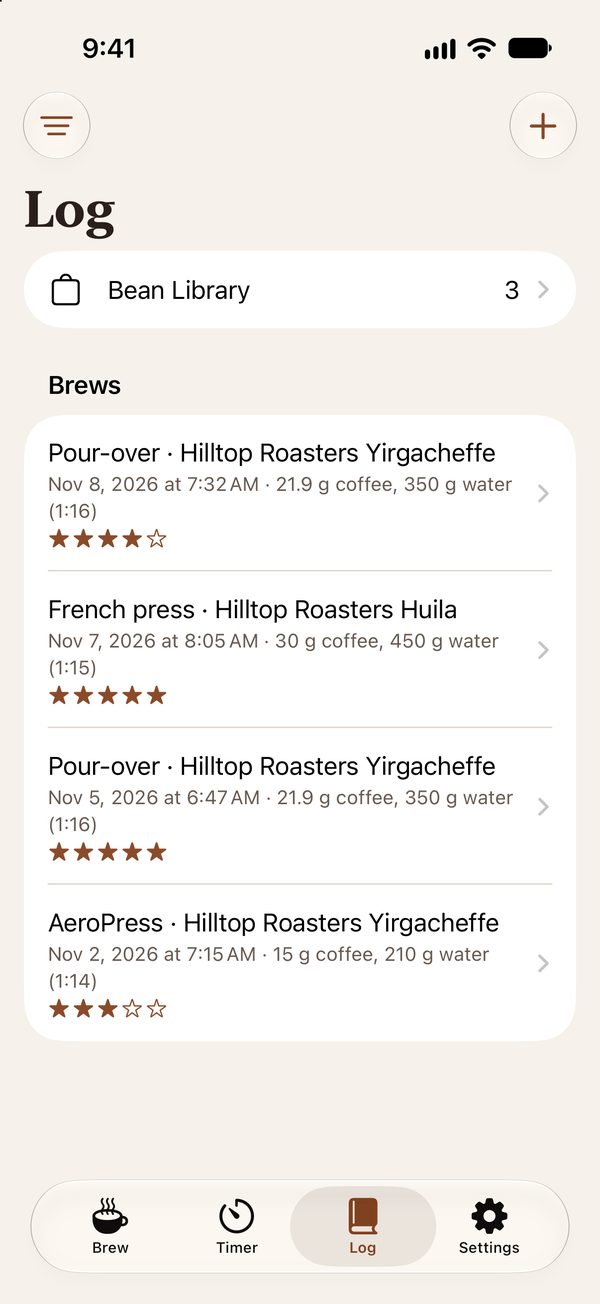
Remember what worked
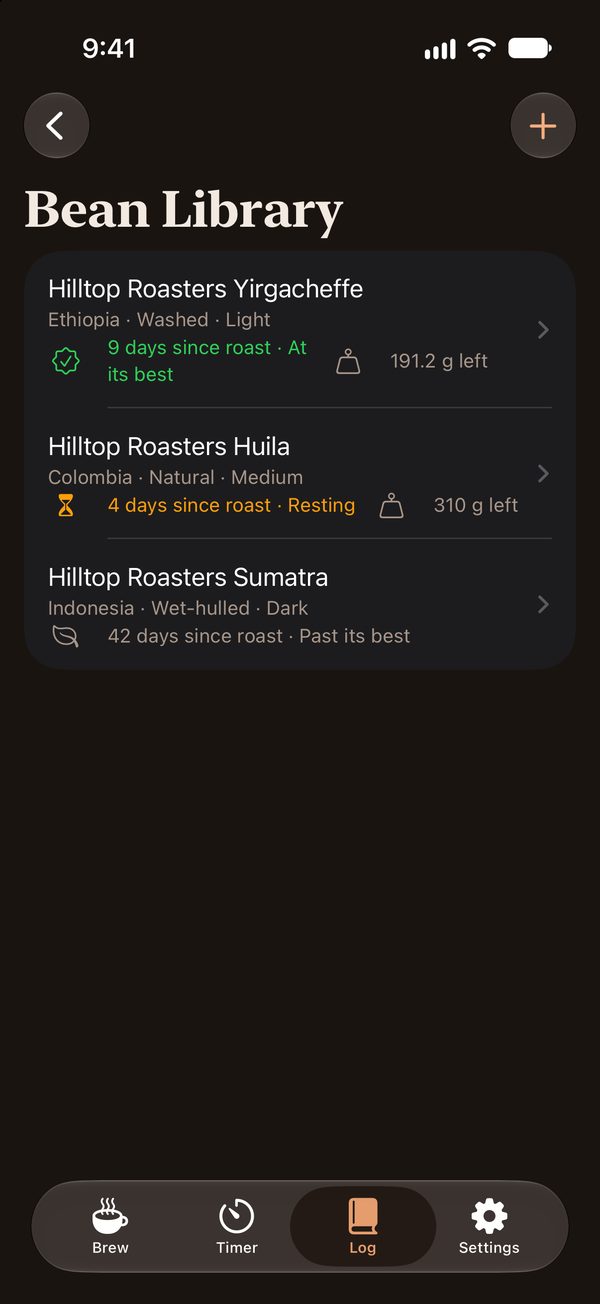
Log each brew with a rating and notes, or log tomorrow’s ahead of time, and keep a library of your beans: when they were roasted, when they’re at their best and how much of the bag is left.
Your recipe at a glance
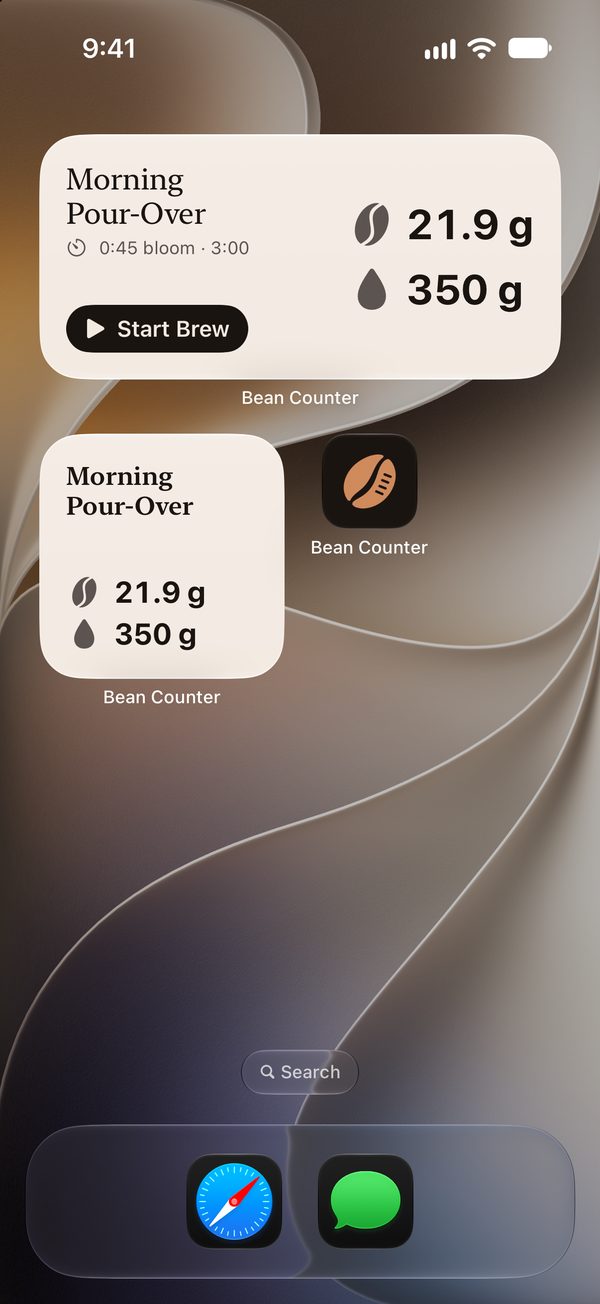
Widgets for the Home Screen and Lock Screen show your recipe’s coffee and water. Ask Siri “How much coffee in Bean Counter?”, start a brew from Shortcuts, and find your recipes and beans in Spotlight. Keep the app in light or dark, and choose your app icon.
Price
Free
- The ratio calculator, at any ratio
- Grams, fluid ounces (US or UK) and milliliters
- Siri and Shortcuts answers: “How much coffee in Bean Counter?”
- Backups of your brews, beans and recipes, saved to Files
- The Coffee Brown and Original app icons
Bean Counter Pro
Free for 14 days, then a one-time $4.99
- Brewing by the cup, and how much is left
- Saved recipes, and editing them
- The brew timer, on the Lock Screen, in the Dynamic Island, on Apple Watch and in CarPlay
- The brew log and bean library, with scheduled brews
- Home Screen and Lock Screen widgets
- Start Brew with Siri, and your recipes and beans in Spotlight
- Sharing and importing backups
- Light or dark whatever your iPhone is set to, and the Light Roast and Dark Roast icons
- Features added in future updates
No subscription. Pro works with Family Sharing. The price is in US dollars and varies by country.
Private by design
No account, no ads and no tracking. Bean Counter collects no data, and everything you enter stays on your iPhone. Read the privacy policy.